Most personal smoke filter complaints come down to three things: airflow gets tight, the filter seems to expire too quickly, or the device does not fit the way a person actually uses it. Each problem has a practical cause.
Problem 1: The filter is hard to exhale through
Resistance usually increases as moisture and captured material collect in the filter. First, make sure the cartridge is installed correctly and nothing blocks the outlet. Let a damp device dry in a ventilated place.
If airflow remains much tighter than when the cartridge was new, replace it. Do not puncture, cut, or remove filter media to create more airflow. That changes the product and defeats the filtration path.
Problem 2: The filter did not last as long as expected
Service life is affected by exhale size, frequency, moisture, material, and storage. A stated exhale count is not a clock. Heavy use can saturate a cartridge sooner, while lighter use may stretch across more days.
Use the observable signs: increased resistance, returning odor, more visible output, or a damaged cartridge. Our filter-life guide explains the full checklist.
Problem 3: The device is awkward to carry or use
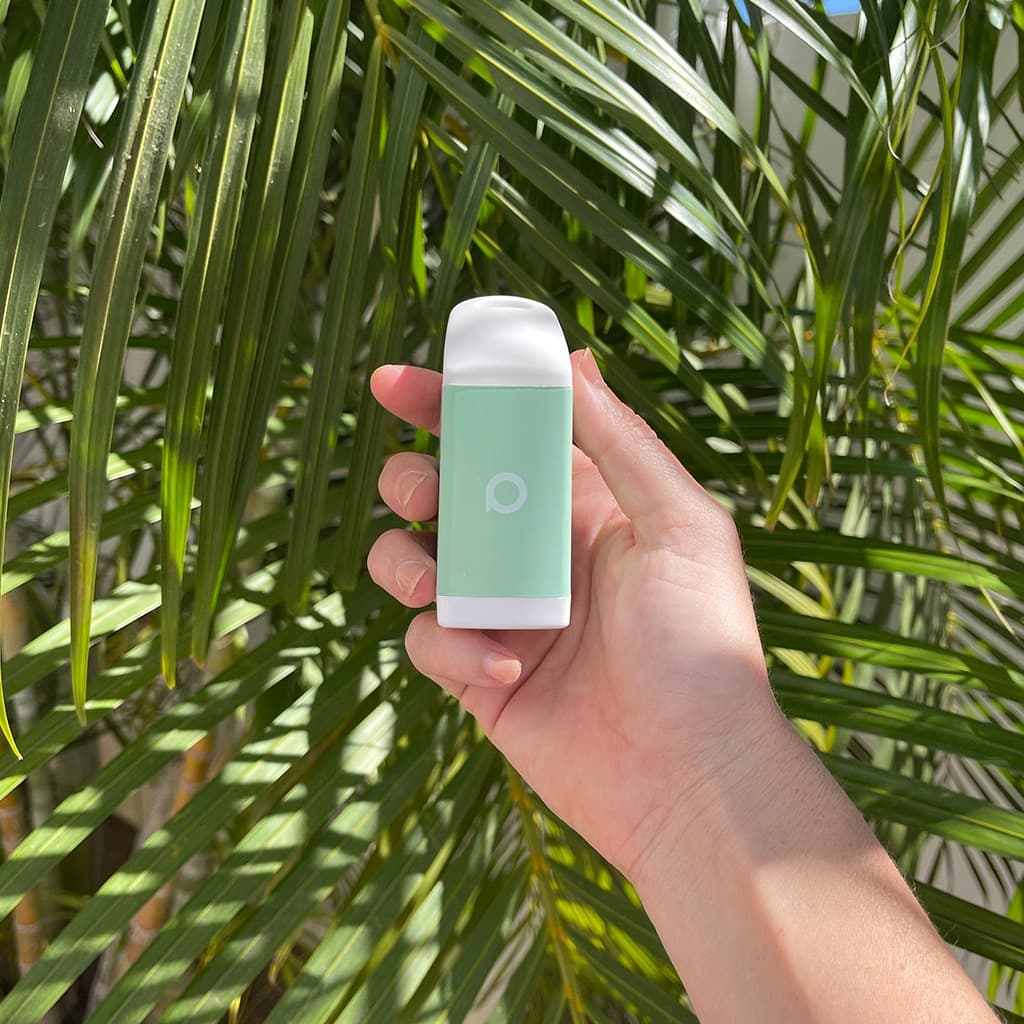
Size is a tradeoff. More filter media takes space, while a tiny device may need more frequent cartridge replacement. Choose for the environment where you will actually use it.
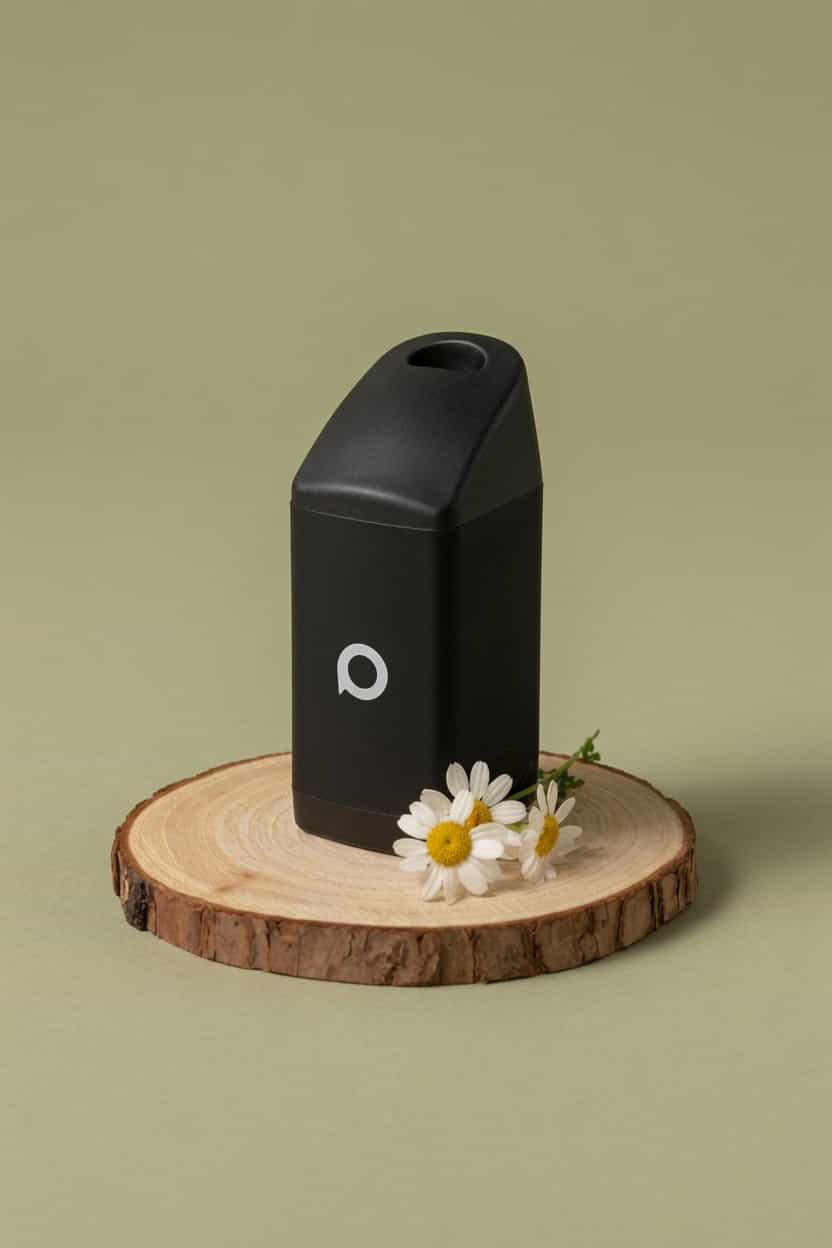
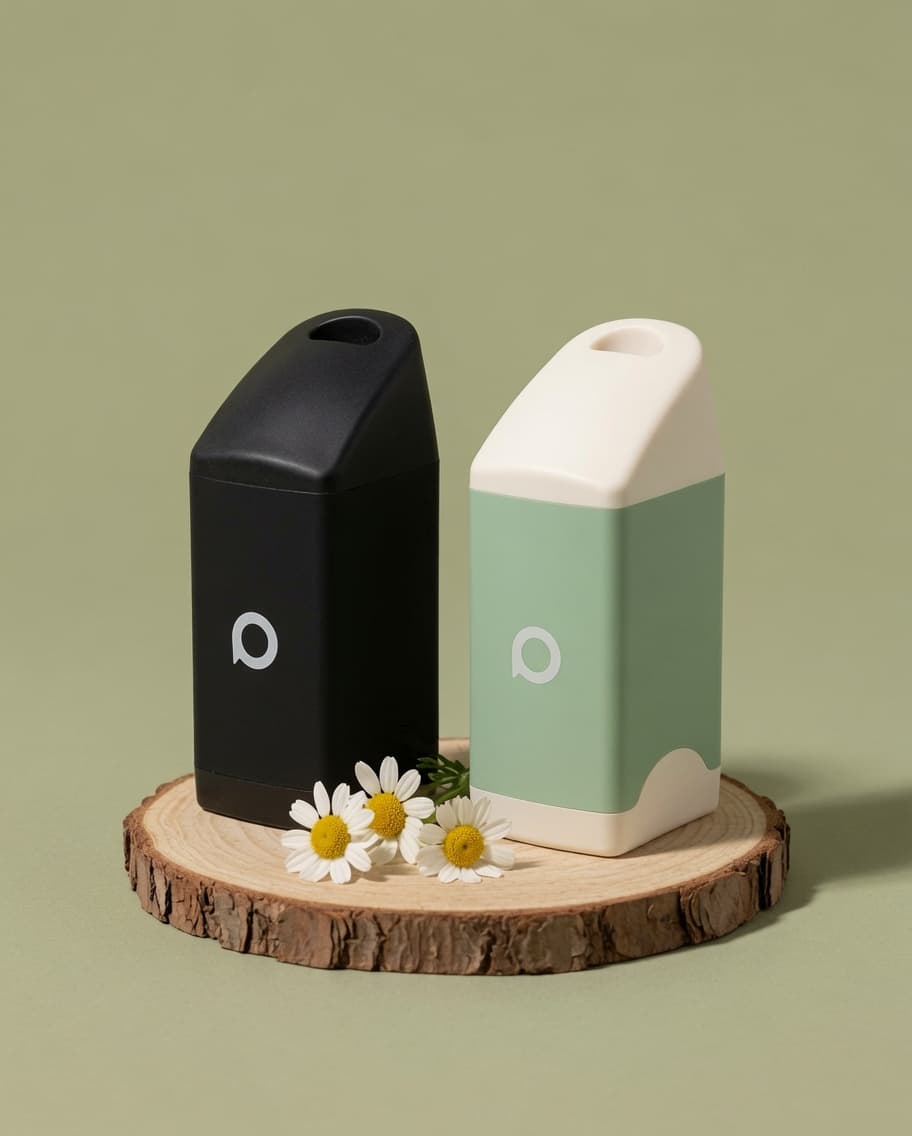
PHREND is the reusable everyday format. POCKET is the smaller carry format. Neither requires a battery.
How PHILTER approaches the tradeoffs
The PHILTER system separates the reusable outer device from the replacement cartridge. The goal is a stable mouthpiece, a defined airflow path, and a filter that can be replaced without throwing away the full device.
That does not remove maintenance. Keep the mouthpiece clean, store the device dry, and replace the cartridge when its performance changes.
Before contacting support
Check these five items:
- Confirm the cartridge matches the device.
- Confirm the cartridge is seated correctly.
- Check the inlet and outlet for debris.
- Let the device dry fully.
- Compare airflow with a fresh cartridge if one is available.
If the problem continues, contact PHILTER support with the device name, cartridge type, purchase date, and a description of what changed. Specific details help us solve the actual problem.